
Getting Started
Launch a Real Content Site in 5 Minutes
Download, run, open the admin. The database, templates, SEO, i18n and themes are already there; put it behind your domain and ship.
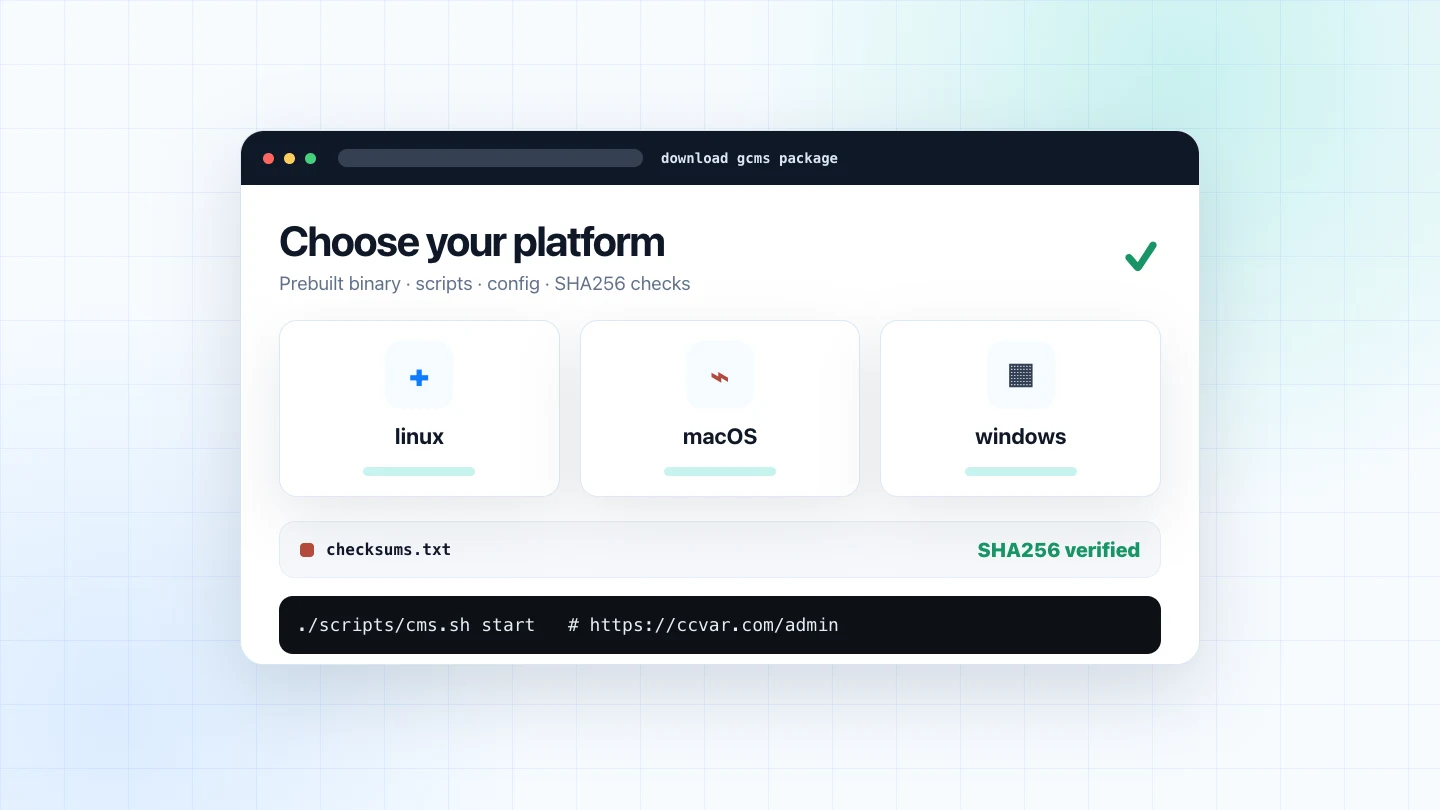
The site you're reading is a gcms instance, running live from one static binary and a SQLite database. First deployment is three steps.
Before you start
Steps 1 and 2 run on localhost and need no domain. Before going live in Step 3, check three things: your domain's DNS points at this server; ports 80 and 443 are open in the firewall and your cloud provider's security group, and reachable from the internet; and Caddy is installed and able to listen on both ports. Automatic HTTPS depends on all three — miss one and Step 3 stalls at the certificate.
Step 1 · Get the binary
Grab the package for your platform from the releases page (linux / macOS / windows, amd64 / arm64) and unpack it. Inside is a prebuilt bin/cms, start/stop scripts and a default config — no Go and no front-end build chain required on the server.
To install directly on a fresh machine, it's one line:
curl -fsSL https://raw.githubusercontent.com/ccvar/gcms-releases/main/install.sh \
  | sh
Step 2 · Run
./bin/cms
# Or run it in the background:
./scripts/cms.sh start
# → http://localhost:8080   admin at /admin
On first launch it creates the database, writes demo content, and prints the default admin username and initial password to the console. Change the password first thing under Settings → Security; a banner keeps nagging until you do. Six characters is enough to save, but a production site deserves a long random one.
Step 3 · Go live
In production, bind gcms to loopback and let Caddy handle HTTPS, compression and HTTP/3. Use your real domain for BASE_URL, for example https://example.com:
ADDR=127.0.0.1:8080 \
BASE_URL=https://example.com \
./scripts/cms.sh start
example.com {
    encode zstd gzip
    reverse_proxy 127.0.0.1:8080
}
Once DNS has propagated and ports 80/443 are reachable, run caddy run and Caddy issues the certificate automatically. If issuance fails, go back to the three checks under Before you start.
What's already done for you
- SEO-native: server-rendered pages with canonical,
hreflang, Open Graph,sitemap.xml, RSS and JSON-LD; - Multilingual: URL-prefix routing (
/zh/…,/en/…), per-language content, automatic hreflang alternates; - 150+ themes, switchable from the admin, with per-theme accent and radius tweaks;
- Dual-mode editor: Markdown ⇄ WYSIWYG, paste images, insert tables, drag blocks;
- Link showcase, code injection, social footer, custom nav, in-app updates…
Environment requirements
gcms has a lightweight runtime shape, so a small VPS is enough for a product site or documentation hub:
- CPU: 1 vCPU is enough to start and run normal content workloads;
- Memory: a 512MB machine can deploy it; scale up only when content volume or traffic requires it;
- Disk: the package is small; growth mostly comes from the SQLite database, uploads and logs;
- OS: prebuilt packages exist for linux, macOS and Windows, with amd64 / arm64 variants;
- Public entry: in production, let Caddy listen on 80/443 while gcms binds to
127.0.0.1:8080.
In other words, you do not need a database cluster, cache layer, front-end build chain or process orchestra before shipping. You need a small machine that can run one binary, and a content plan worth maintaining.
Where it fits
gcms fits sites where content matters but maintenance should stay light: product sites, open-source project sites, technical docs, course material, resource directories, independent blogs and small-team knowledge bases. It is not a large collaboration suite; it is a stable, SEO-friendly, easy-to-move content entry point.
Keep the complexity at compile time, keep it simple at runtime.
Why it's this simple
Two singulars: Go's embed.FS welds templates and assets into one binary, and SQLite collapses the database into one file. No separate database process, no frontend build chain, no runtime dependencies.
The database is a single file, but copying it while gcms runs isn't a safe backup: in WAL mode a bare .db copy can miss the newest writes. The architecture post covers a consistent export and what to watch for when restoring; keep uploads and your startup config with it. Moving to a new server means carrying those across.
With the prep done, five minutes gets you a content site that's entirely yours, ships canonical, sitemap and other SEO markup by default, and looks good enough to launch.