
Core Features
The gcms Dual-Mode Editor: Switching Between Markdown and Rich Text
Switch between Markdown and rich text anytime; handle images, tables and block order without leaving the flow.
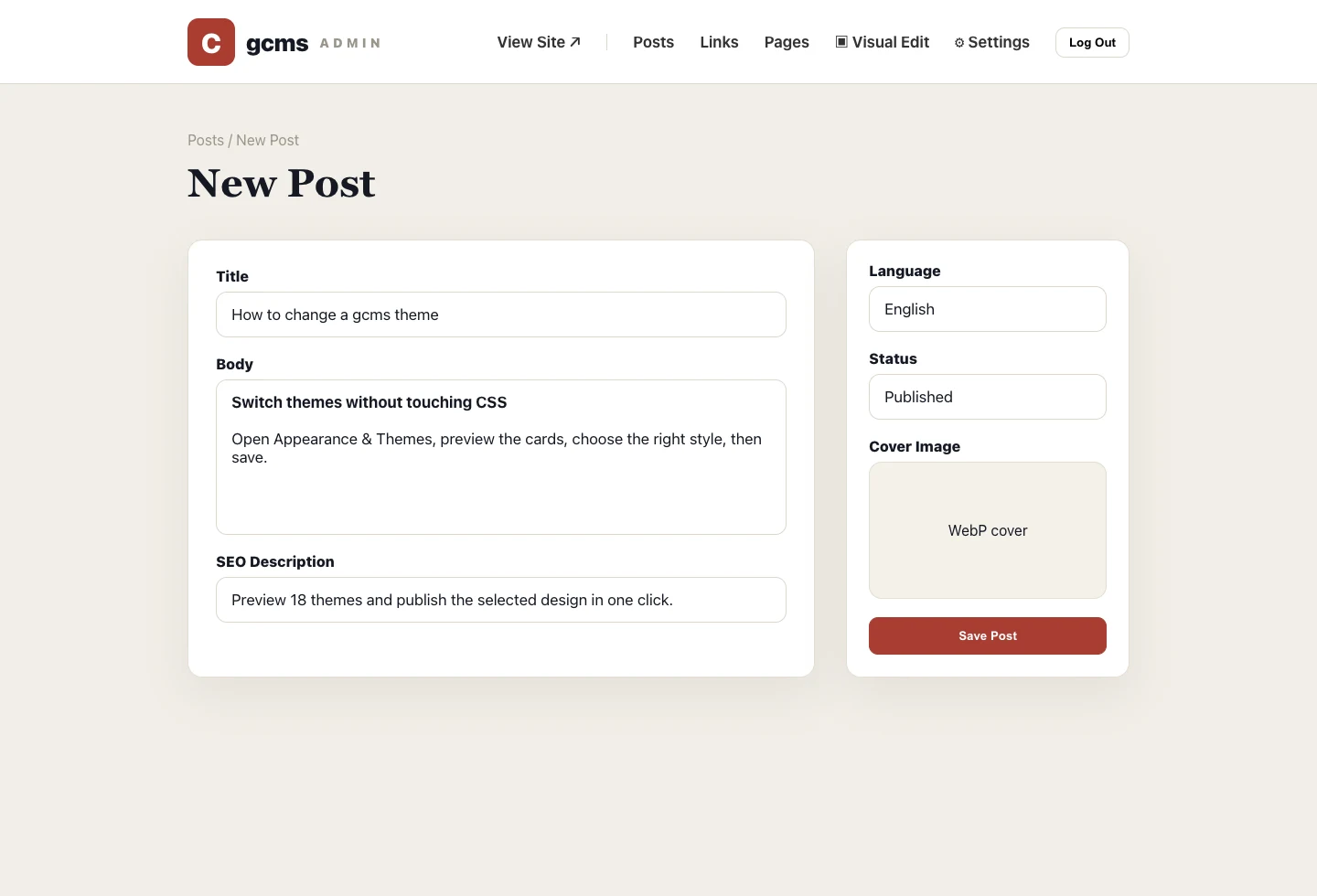
The less friction in writing, the better. gcms's editor gives you two ways to write, switchable at any time. After switching, give the formatting a quick look.
Markdown mode
Plain text, predictable, version-control friendly. Keyboard-flow writers never touch the mouse.
Rich-text mode
WYSIWYG, with spacing, sizes and heading hierarchy styled after the public article page, so the editor stays close to what readers will see. For posts that matter, preview the public page before publishing.
Details that help
- Select text and the toolbar appears above the selection, never covering what you're editing;
- Pasted or inserted images are auto-converted to WebP and uploaded only on save, so drafts leave no orphan files;
- Insert and edit tables, adding or removing rows and columns;
- Grab a block's left handle and drag to reorder, like rearranging cards.
Why it matters for content ops
A good editor is not about piling on controls; it reduces the time spent fixing formatting after writing. Clear heading levels, stable image URLs and tables that render well all feed into readability, sharing quality and search indexing.