
Ops & Automation
gcms Automation API: Scoped Keys, OpenAPI and the AI Package
Expose content through scoped keys, OpenAPI and an AI package. Scripts repeat; humans decide.
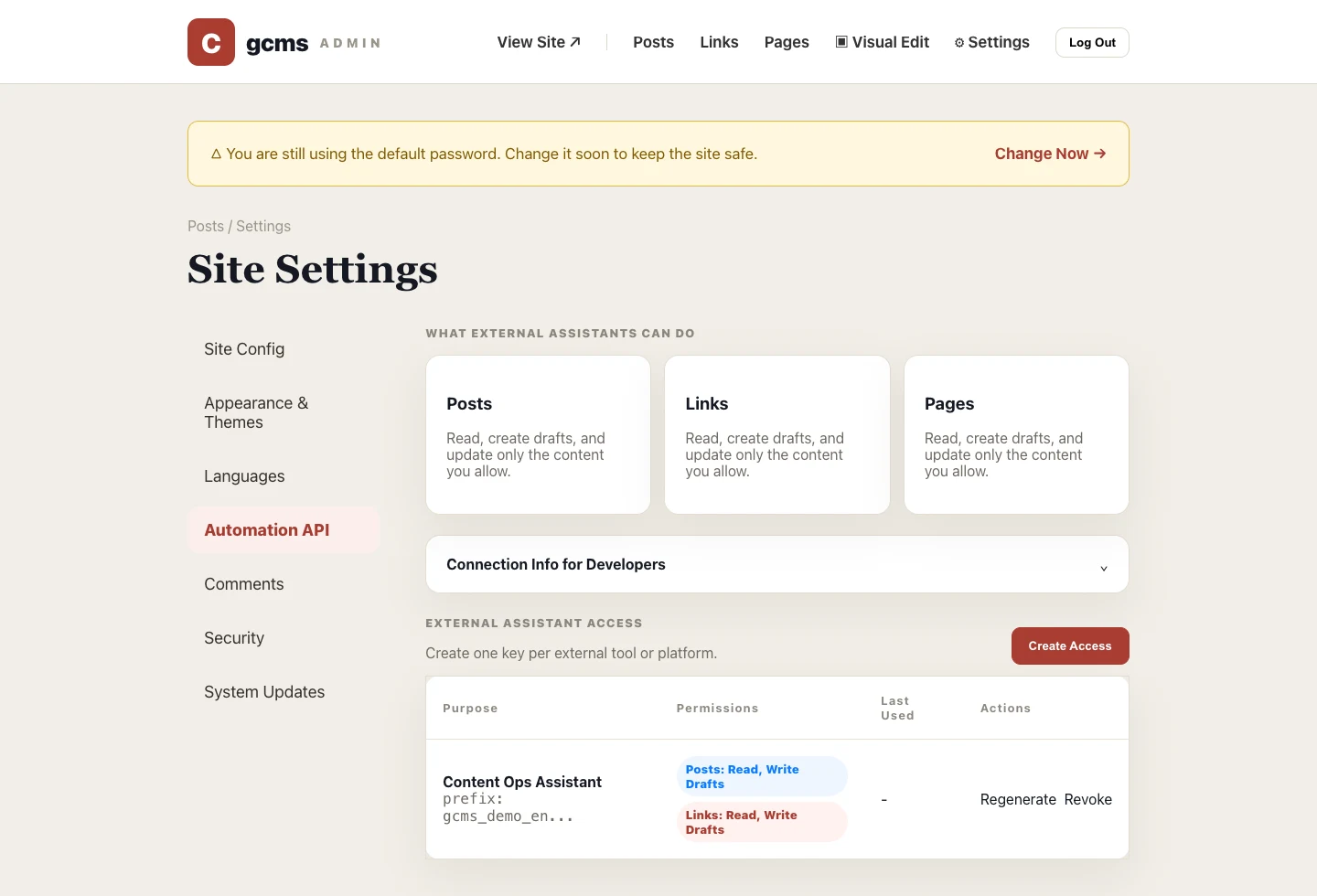
Content operations have repetitive work: syncing links, drafting posts, filling SEO descriptions, updating pages in batches. gcms exposes content operations through controlled APIs, with each key limited to what you grant, so automation can handle the chores.
Scoped API keys
Issue keys from the admin, tick the permissions each one needs, revoke anytime, and see when each was last used. If a key leaks, revoke it and issue a new one right away.
A standard description
It ships an OpenAPI description and call logs, so wiring up any HTTP client, webhook or automation platform is straightforward — and when you go back to investigate, the logs at least tell you whether a key is still in use.
An AI package
Download the AI package, which describes the site's API to an AI assistant so it can draft content and fill in SEO by your rules. The package carries the access rule's key in plain text: anyone holding the file can call your API, so think before forwarding it or handing it to any AI tool — even Codex, Claude Code or Cursor working on a local folder sends what it reads, key included, to its model provider. Whether the assistant can publish comes down to whether that key has publish permission.
No AI API required
gcms does not call an AI model for you. It provides public docs, an OpenAPI description and the AI package. Give those files to Codex, Cursor, Claude, ChatGPT or an automation tool, and they can operate the site over HTTP. You never hand over your admin account, and a site key can be revoked whenever the boundary changes.
Permission boundary
What a key can do depends on the permissions ticked when it was created. Tick only what the job needs and hold back publish permission. For how to hand out keys and clean up idle ones, see the permission advice in the gcms Skill guide.